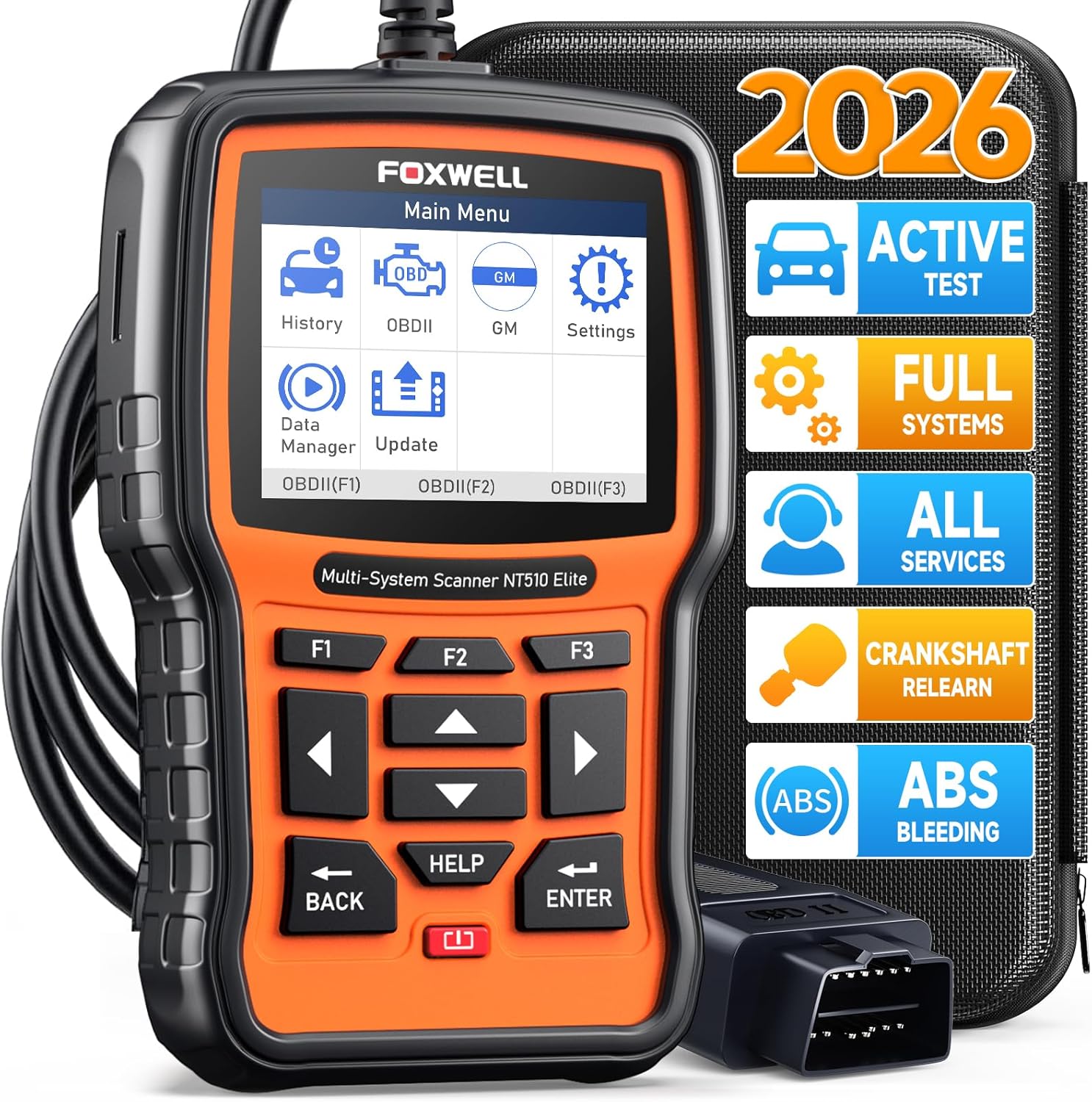
FOXWELL NT510 Elite (GM)
Escáner OBD2 de sistema completo para GM (Chevrolet, GMC, Cadillac, Buick). Diagnostique los módulos del motor, ABS, SRS, transmisión y carrocería con control bidireccional y reinicios de servicio.
152,51 €

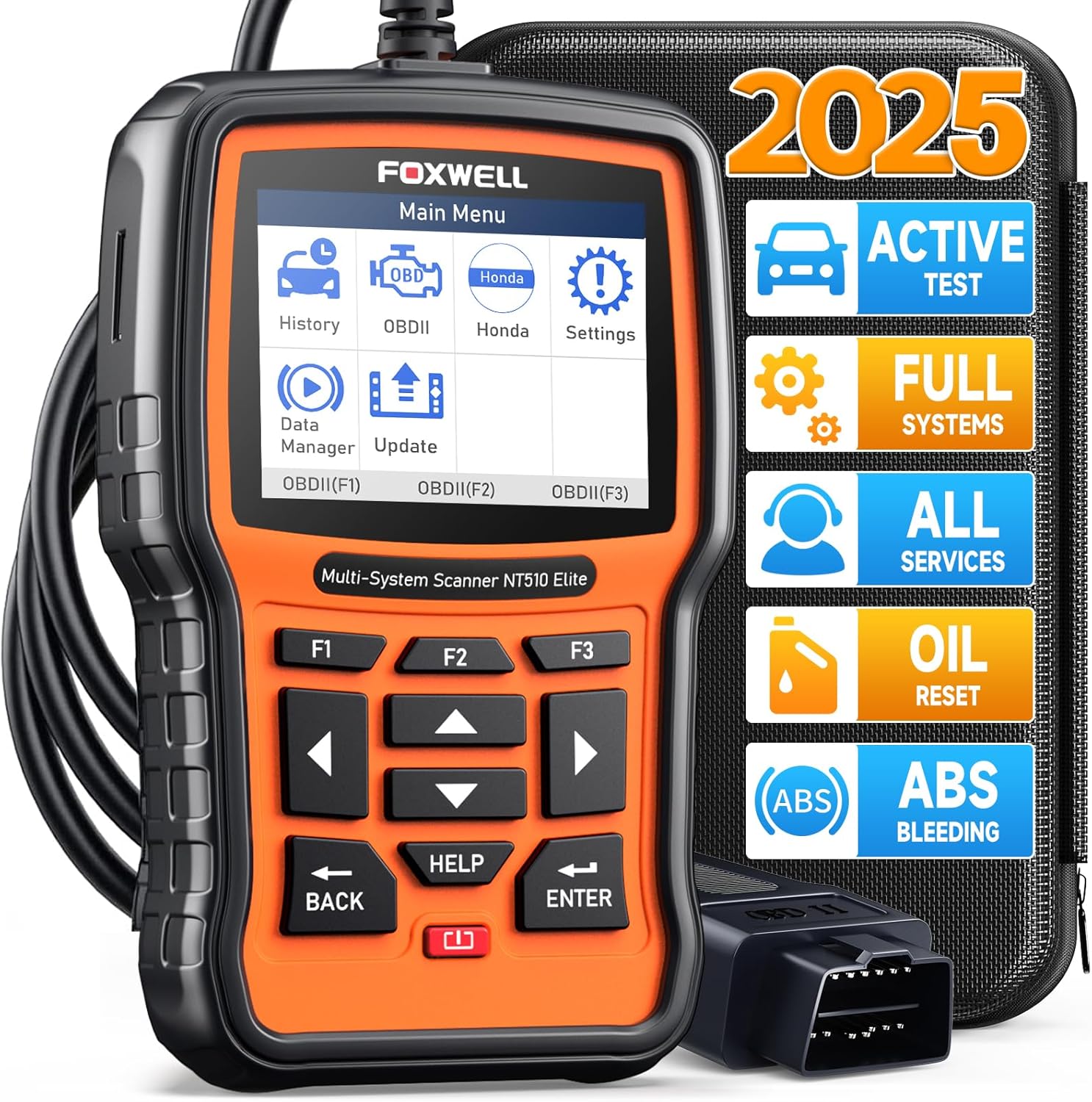
Escáner OBD2 de sistema completo FOXWELL NT510 Elite para Honda y Acura
Escáner OBD2 de sistema completo para Honda y Acura. Diagnostique los módulos del motor, ABS, SRS, transmisión y carrocería con control bidireccional y reinicios de servicio.
Precio de Amazon comprobado el 14 jun 2026
El FOXWELL NT510 Elite es un escáner de sistema completo centrado en la marca con control bidireccional, reinicios de servicio y cobertura profunda de módulos para una sola familia de vehículos. Esta unidad está configurada y actualizada específicamente para Honda y Acura.
Ya sea que esté solucionando un problema con una luz de verificación del motor, preparándose para una prueba de emisiones o realizando un mantenimiento programado, el NT510 Elite le brinda el acceso al módulo y las funciones de servicio que necesita sin programar una cita con el concesionario. Los menús en pantalla lo guían por cada paso y los informes de escaneo almacenados lo ayudan a realizar un seguimiento de las reparaciones a lo largo del tiempo.
El NT510 Elite le ayuda a identificar las causas fundamentales más rápidamente mediante la lectura de códigos de error, valores de sensores activos y estado del módulo en todos los sistemas que admite:
Más allá de leer códigos, este escáner ejecuta rutinas de servicio guiadas que ahorran dinero en mano de obra del distribuidor. Las funciones disponibles dependen de la marca, modelo y año de su vehículo:
El NT510 Elite se comunica con módulos específicos del fabricante a través del puerto OBD2. Utilice pruebas bidireccionales para activar ventiladores, bombas de combustible y actuadores para la resolución práctica de problemas. Las funciones de servicio restablecen los indicadores de mantenimiento y realizan procedimientos de reaprendizaje que normalmente requieren una visita al distribuidor.
Diseñado exclusivamente para Honda y Acura. Creado para la plataforma de un fabricante: confirme su marca, modelo y año exactos antes de realizar el pedido. No compatible con otras marcas.
Verifique siempre que su combinación exacta de año, marca, modelo y motor sea compatible antes de la compra, especialmente para restablecimientos de servicio, pruebas bidireccionales y módulos específicos de marca. La ubicación del puerto OBD2 suele estar debajo del tablero del lado del conductor en los vehículos estadounidenses a partir de 1996.
Propietarios de una marca específica (BMW, GM, Honda, etc.) que desean diagnósticos de nivel de distribuidor sin suscripciones mensuales.
SiSi trabaja regularmente en sus propios vehículos, dirige un pequeño taller de reparación o compra autos usados para voltear, el NT510 Elite se amortiza rápidamente en comparación con los diagnósticos por visita del concesionario.
FOXWELL se ha ganado una reputación por sus diagnósticos automotrices de nivel profesional a una fracción de los precios de las herramientas de escaneo de los distribuidores. A diferencia de muchas herramientas basadas en suscripción, los escáneres FOXWELL incluyen actualizaciones de firmware gratuitas o de por vida, definiciones claras de DTC en pantalla y atención al cliente receptiva, lo que los convierte en una opción práctica tanto para talleres domésticos como para talleres independientes.
USB. Actualizaciones gratuitas de por vida. Mantenga el firmware actualizado para mantener la cobertura más amplia del vehículo y acceder a las funciones de servicio recién agregadas.
Las valoraciones provienen de Amazon.com y pueden cambiar.
Brief content visible, double tap to read full content. Full content visible, double tap to read brief content. I hardly write reviews and this one highly deserves one. This one truly works! I live in New Zealand and I own a 2007 Honda Stream, which is a Japanese Domestic Model (JDM). I am not a mechanic rather a car enthusiast and a DIYer with decent knowledge of how things work. My primary purpose was to calibrate throttle position sensor after a throttle body clean as idle had been erratic and spiking since cleaning. I knew what I was getting into but didn't realize it was still needed even if I didn't move the throttle plate during cleaning. I first thought of trying to a dealership to do this which they quoted me $160 + tax for the job, which is outraging for a 5 minute job. Then I tried a couple of local mechanics who didn't even knew that a calibration was required after a e-throttle body clean... Therefore my luck was running out. Though I read reviews regarding positive feedback from others that this scanner could do it, I was still skeptical as it had been pretty hard to find one that could work with my Honda (I already own 3 other scanners (BlueDriver, Kon
Brief content visible, double tap to read full content. Full content visible, double tap to read brief content. * Worked well on a 2020 Honda Insight to clear ABS codes after a wheel speed sensor replacement. * Worked well on a 2014 Honda Civic to adjust the tire size in the ABS controller to properly calibrate the wheel speed-based TPMS system. It's not perfect, but you know what you're getting at this price point. Two uses in and the device paid for itself. The biggest benefit is no longer having to go into the dealer for Honda-specific code troubleshooting.
Brief content visible, double tap to read full content. Full content visible, double tap to read brief content. The design of the tool is good. Connects and displays vin and reads DTC data on a 09 Honda FIT and 2018 Ford F-150. I purchased it be able to use primarily on Honda vehicles. I bought the Honda model. But according to the description on Amazon and Foxwell websites you are supposed to be able to download OEM diagnostic data for other manufacturers. The Member Software purchase site is not displaying any vehicles at all. I carefully read the download instructions. I was able to get the latest Honda updates though. I have sent a complaint message to Foxwell Tech Support and Amazon Foxwell support. I am hoping they are just having a data storage issue. But, with the current situation in China with the COVID virus there may be a long wait before anything happens. This is probably true for all of the Chinese manufacturers of OBD II scanners that have Tech Support overseas. Update: I have had multiple email exchanges with Foxwell Tech Support and as of today (5/21/2022) I have been unable to get the software from their website to add the OEM OBD II data files for Ford vehicles (
Brief content visible, double tap to read full content. Full content visible, double tap to read brief content. While on a long driving trip ~5000 miles, I past through construction zones which caused the CMBS system to display a warning on the dash and stop functioning. It happened while passing through a very narrow lane with concrete barriers very close to either side. Somewhere between 10 and 20 warnings displaying "BRAKE" and the system faulted out. I ordered this reader in the middle of the trip and tried to clear the error. When I connected it to the ODB2 port, all of the systems on my Pilot started to flash errors on the dash. I was unable to clear any PIDs and it had trouble trying to retrieve the vehicle Id information. I had to live with the dash error displays for the rest of my trip. Two weeks after returning to my house with the Pilot sitting idle in my garage, I decided to try again. This time, the reader worked normally and I was able to clear all of the errors and make everything normal. It saved a trip to the dealer. After thinking about it for a while, I came to the conclusion that the reader didn't function normally during the trip because the battery volta
Brief content visible, double tap to read full content. Full content visible, double tap to read brief content. I am very upset, right from the start, about this product. There is no clear path to anything that appears to update or provide functions: 1. Update instructions on the scanner itself state “Remove the TF card from the device and insert it to the card reader”. What card reader? There was not one included…however, I discovered one can be purchased for $12.00 on a Foxtech accessories web site for $12.00. Okay, can’t update that way yet. As for the “TF” card, there is something pushed “way down” in a slot on the side of the scanner. No instructions as to how to remove it…pressing my nail inside the slot gently (based on how I have removed hundreds of SD and other cards), nothing happens. I am afraid to use a tool to push on it; I have searched fruitlessly for help on the Foxtech (non) Support web site using the simple question “how to remove TF card from scanner”? No results( variations on the search specifics all result in “no results”! So I’m stuck…The instructions online State that an app called “Fox Assist” can also be used. I cannot find a separate PC app called “Fox As
Brief content visible, double tap to read full content. Full content visible, double tap to read brief content. Just want I needed
Brief content visible, double tap to read full content. Full content visible, double tap to read brief content. The scanner works well overall and is easy to use, especially for basic diagnostics and reading codes. It connects quickly and gives clear information, which is helpful. However, I did notice that some readings weren’t always 100% accurate or as detailed as expected, especially compared to more advanced tools. It’s a solid option for everyday use and for Honda/Acura vehicles, but if you’re looking for very precise or professional level diagnostics, you might notice some limitations.
Brief content visible, double tap to read full content. Full content visible, double tap to read brief content. Very handy for home mechanics
Escáner OBD2 de sistema completo para GM (Chevrolet, GMC, Cadillac, Buick). Diagnostique los módulos del motor, ABS, SRS, transmisión y carrocería con control bidireccional y reinicios de servicio.
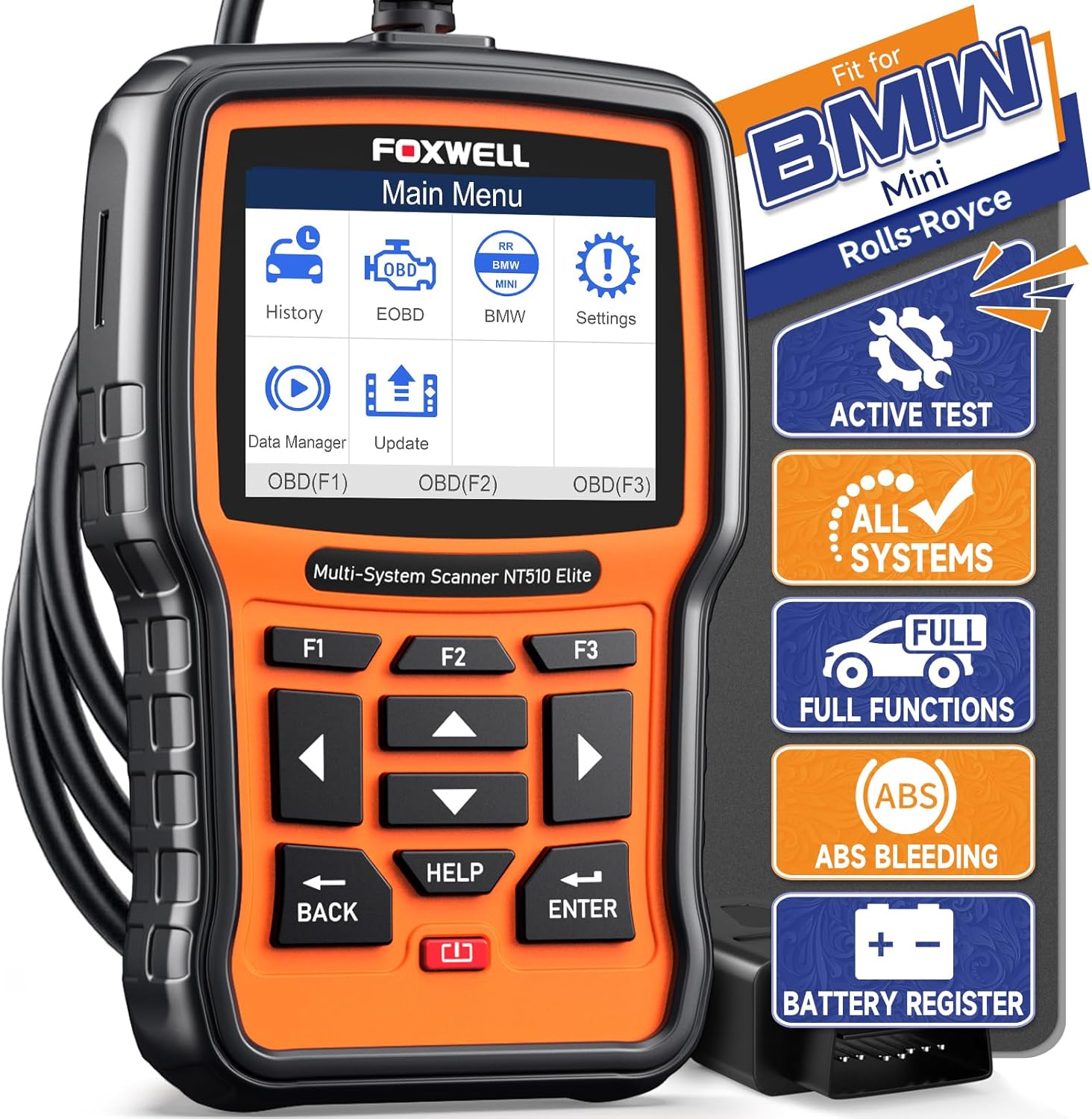
Escáner OBD2 de sistema completo para BMW y Mini. Diagnostique los módulos del motor, ABS, SRS, transmisión y carrocería con control bidireccional y reinicios de servicio.
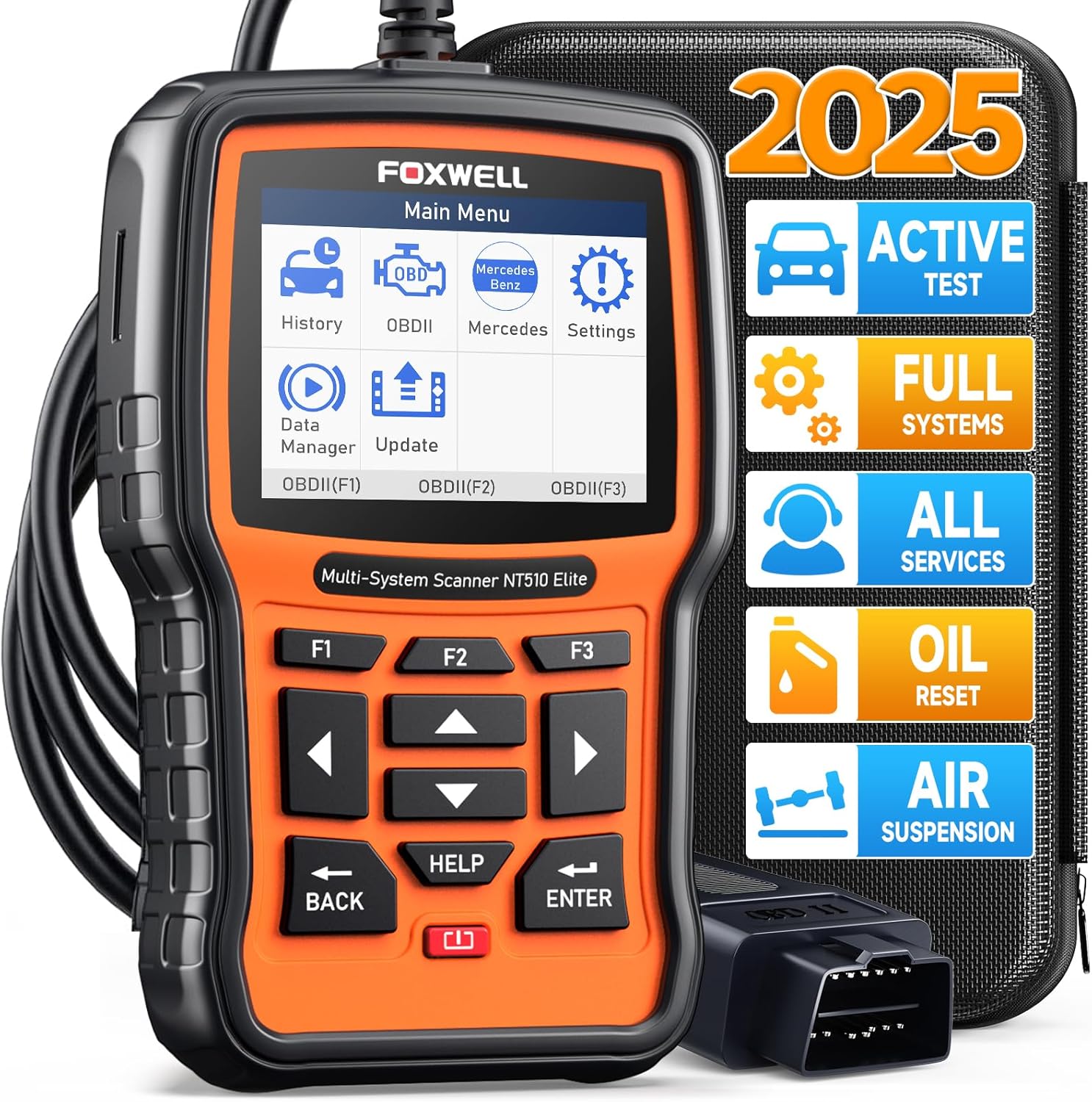
Escáner OBD2 de sistema completo para Mercedes-Benz. Diagnostique los módulos del motor, ABS, SRS, transmisión y carrocería con control bidireccional y reinicios de servicio.
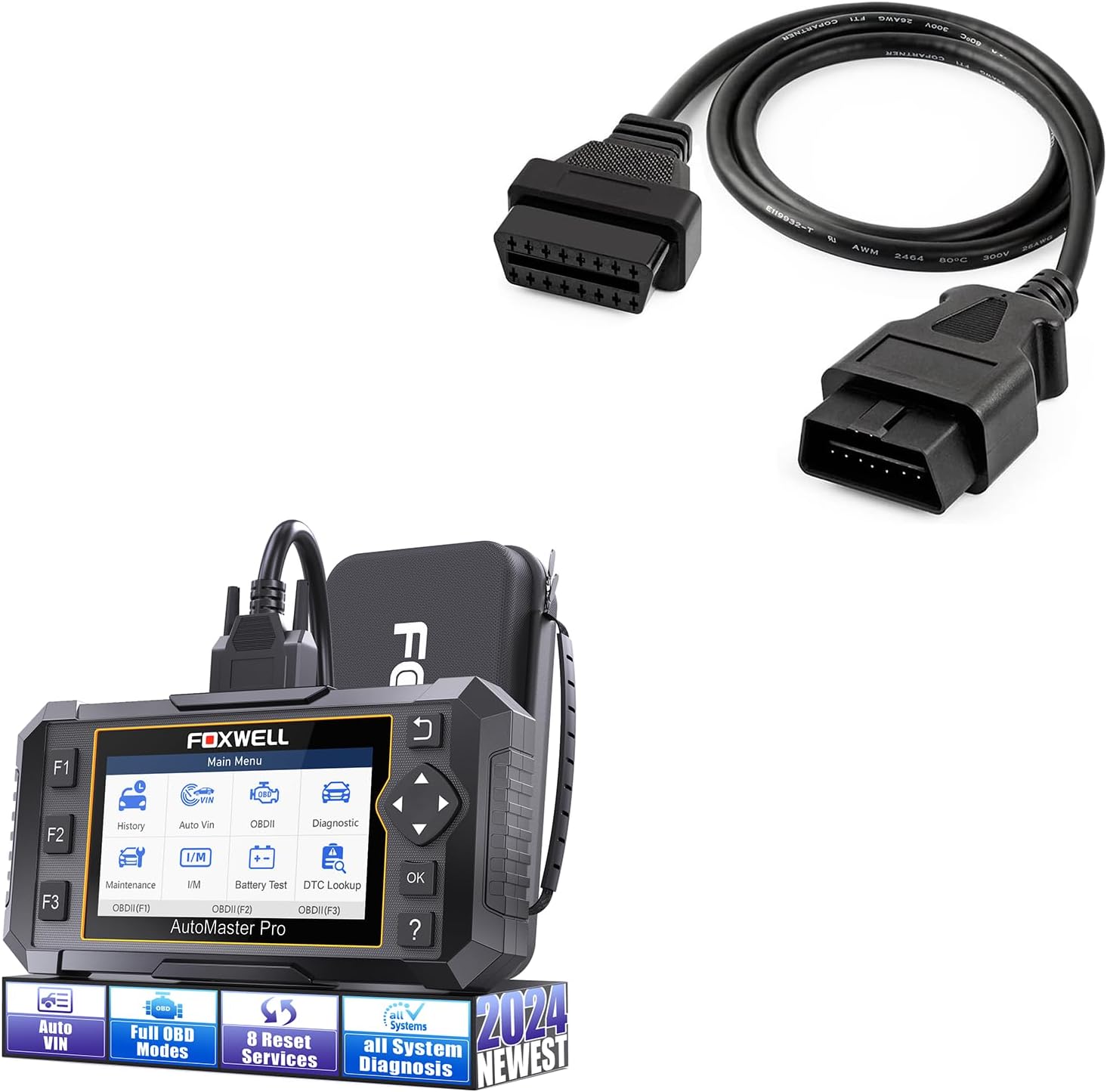
Escáner OBD2 de sistema completo de 8 reinicios con actualizaciones gratuitas de por vida. Purga de ABS, reinicio de aceite, EPB, SAS, TPS y más, sin cargos del concesionario.