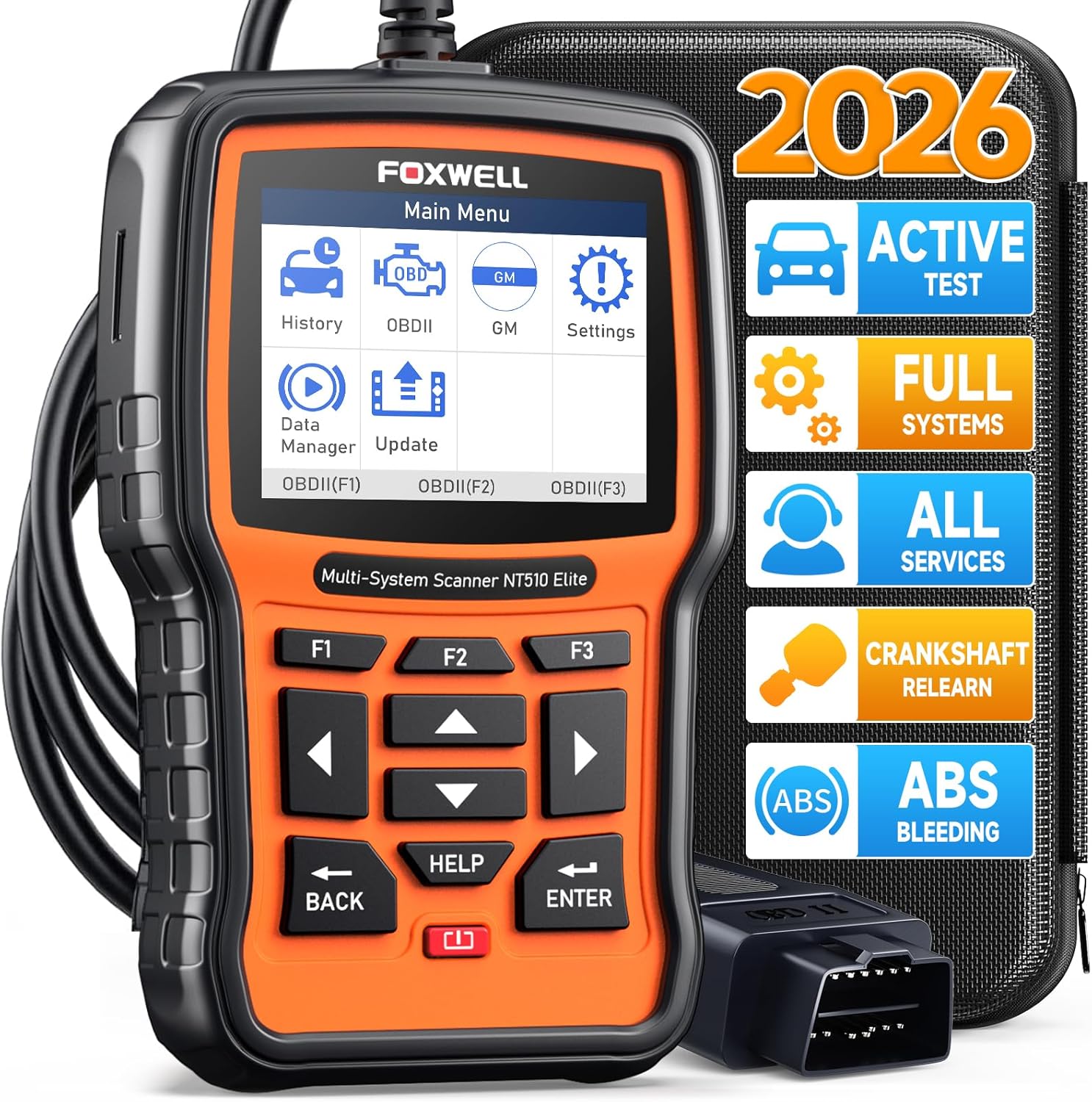
FOXWELL NT510 Elite (GM)
Full-system OBD2 scanner for GM (Chevrolet, GMC, Cadillac, Buick). Diagnose engine, ABS, SRS, transmission, and body modules with bi-directional control and service resets.
$163.99

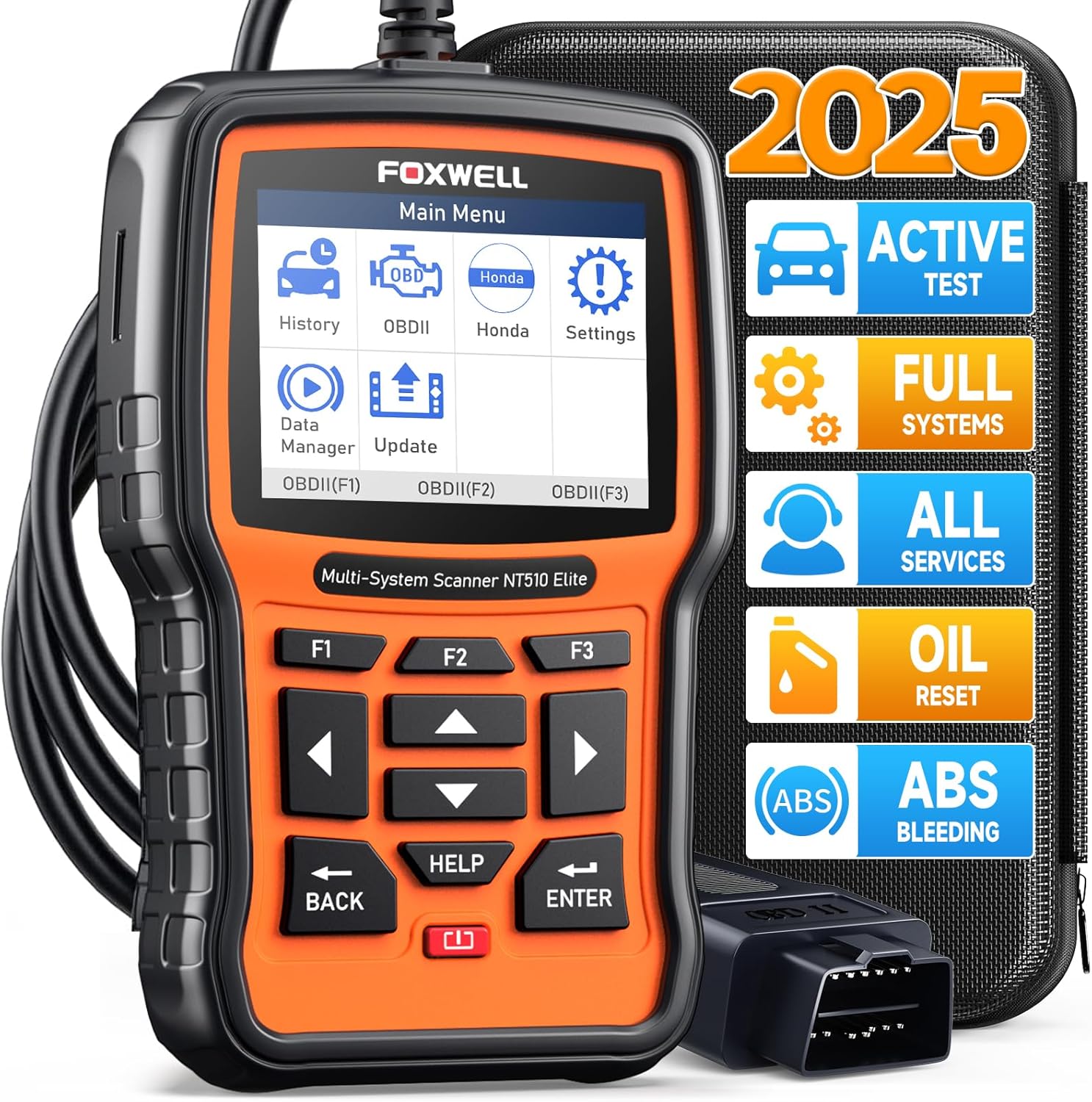
FOXWELL NT510 Elite Full-System OBD2 Scanner for Honda & Acura
Full-system OBD2 scanner for Honda & Acura. Diagnose engine, ABS, SRS, transmission, and body modules with bi-directional control and service resets.
Amazon price checked Jun 14, 2026
The FOXWELL NT510 Elite is a brand-focused full-system scanner with bi-directional control, service resets, and deep module coverage for a single vehicle family. This unit is configured and updated specifically for Honda & Acura.
Whether you are troubleshooting a check engine light, preparing for an emissions test, or performing scheduled maintenance, the NT510 Elite gives you the module access and service functions you need without booking a dealer appointment. On-screen menus walk you through each step, and stored scan reports help you track repairs over time.
The NT510 Elite helps you identify root causes faster by reading fault codes, live sensor values, and module status across the systems it supports:
Beyond reading codes, this scanner runs guided service routines that save money on dealer labor. Available functions depend on your vehicle make, model, and year:
The NT510 Elite communicates with manufacturer-specific modules over the OBD2 port. Use bi-directional tests to activate fans, fuel pumps, and actuators for hands-on troubleshooting. Service functions reset maintenance indicators and perform relearn procedures that normally require a dealer visit.
Designed exclusively for Honda & Acura. Built for one manufacturer platform — confirm your exact make, model, and year before ordering. Not compatible with other brands.
Always verify that your exact year, make, model, and engine combination is supported before purchase — especially for service resets, bi-directional tests, and brand-specific modules. OBD2 port location is typically under the driver-side dashboard on U.S. vehicles from 1996 onward.
Owners of a specific marque (BMW, GM, Honda, etc.) who want dealer-grade diagnostics without monthly subscriptions.
If you regularly work on your own vehicles, run a small repair shop, or buy used cars to flip, the NT510 Elite pays for itself quickly compared to per-visit dealer diagnostics.
FOXWELL has built a reputation for professional-grade automotive diagnostics at a fraction of dealer scan-tool prices. Unlike many subscription-based tools, FOXWELL scanners include free or lifetime firmware updates, clear on-screen DTC definitions, and responsive customer support — making them a practical choice for home garages and independent shops alike.
USB. Lifetime free updates. Keep firmware current to maintain the widest vehicle coverage and access to newly added service functions.
Ratings and reviews are sourced from Amazon.com and may change over time.
Brief content visible, double tap to read full content. Full content visible, double tap to read brief content. I hardly write reviews and this one highly deserves one. This one truly works! I live in New Zealand and I own a 2007 Honda Stream, which is a Japanese Domestic Model (JDM). I am not a mechanic rather a car enthusiast and a DIYer with decent knowledge of how things work. My primary purpose was to calibrate throttle position sensor after a throttle body clean as idle had been erratic and spiking since cleaning. I knew what I was getting into but didn't realize it was still needed even if I didn't move the throttle plate during cleaning. I first thought of trying to a dealership to do this which they quoted me $160 + tax for the job, which is outraging for a 5 minute job. Then I tried a couple of local mechanics who didn't even knew that a calibration was required after a e-throttle body clean... Therefore my luck was running out. Though I read reviews regarding positive feedback from others that this scanner could do it, I was still skeptical as it had been pretty hard to find one that could work with my Honda (I already own 3 other scanners (BlueDriver, Kon
Brief content visible, double tap to read full content. Full content visible, double tap to read brief content. * Worked well on a 2020 Honda Insight to clear ABS codes after a wheel speed sensor replacement. * Worked well on a 2014 Honda Civic to adjust the tire size in the ABS controller to properly calibrate the wheel speed-based TPMS system. It's not perfect, but you know what you're getting at this price point. Two uses in and the device paid for itself. The biggest benefit is no longer having to go into the dealer for Honda-specific code troubleshooting.
Brief content visible, double tap to read full content. Full content visible, double tap to read brief content. The design of the tool is good. Connects and displays vin and reads DTC data on a 09 Honda FIT and 2018 Ford F-150. I purchased it be able to use primarily on Honda vehicles. I bought the Honda model. But according to the description on Amazon and Foxwell websites you are supposed to be able to download OEM diagnostic data for other manufacturers. The Member Software purchase site is not displaying any vehicles at all. I carefully read the download instructions. I was able to get the latest Honda updates though. I have sent a complaint message to Foxwell Tech Support and Amazon Foxwell support. I am hoping they are just having a data storage issue. But, with the current situation in China with the COVID virus there may be a long wait before anything happens. This is probably true for all of the Chinese manufacturers of OBD II scanners that have Tech Support overseas. Update: I have had multiple email exchanges with Foxwell Tech Support and as of today (5/21/2022) I have been unable to get the software from their website to add the OEM OBD II data files for Ford vehicles (
Brief content visible, double tap to read full content. Full content visible, double tap to read brief content. While on a long driving trip ~5000 miles, I past through construction zones which caused the CMBS system to display a warning on the dash and stop functioning. It happened while passing through a very narrow lane with concrete barriers very close to either side. Somewhere between 10 and 20 warnings displaying "BRAKE" and the system faulted out. I ordered this reader in the middle of the trip and tried to clear the error. When I connected it to the ODB2 port, all of the systems on my Pilot started to flash errors on the dash. I was unable to clear any PIDs and it had trouble trying to retrieve the vehicle Id information. I had to live with the dash error displays for the rest of my trip. Two weeks after returning to my house with the Pilot sitting idle in my garage, I decided to try again. This time, the reader worked normally and I was able to clear all of the errors and make everything normal. It saved a trip to the dealer. After thinking about it for a while, I came to the conclusion that the reader didn't function normally during the trip because the battery volta
Brief content visible, double tap to read full content. Full content visible, double tap to read brief content. I am very upset, right from the start, about this product. There is no clear path to anything that appears to update or provide functions: 1. Update instructions on the scanner itself state “Remove the TF card from the device and insert it to the card reader”. What card reader? There was not one included…however, I discovered one can be purchased for $12.00 on a Foxtech accessories web site for $12.00. Okay, can’t update that way yet. As for the “TF” card, there is something pushed “way down” in a slot on the side of the scanner. No instructions as to how to remove it…pressing my nail inside the slot gently (based on how I have removed hundreds of SD and other cards), nothing happens. I am afraid to use a tool to push on it; I have searched fruitlessly for help on the Foxtech (non) Support web site using the simple question “how to remove TF card from scanner”? No results( variations on the search specifics all result in “no results”! So I’m stuck…The instructions online State that an app called “Fox Assist” can also be used. I cannot find a separate PC app called “Fox As
Brief content visible, double tap to read full content. Full content visible, double tap to read brief content. Just want I needed
Brief content visible, double tap to read full content. Full content visible, double tap to read brief content. The scanner works well overall and is easy to use, especially for basic diagnostics and reading codes. It connects quickly and gives clear information, which is helpful. However, I did notice that some readings weren’t always 100% accurate or as detailed as expected, especially compared to more advanced tools. It’s a solid option for everyday use and for Honda/Acura vehicles, but if you’re looking for very precise or professional level diagnostics, you might notice some limitations.
Brief content visible, double tap to read full content. Full content visible, double tap to read brief content. Very handy for home mechanics
Full-system OBD2 scanner for GM (Chevrolet, GMC, Cadillac, Buick). Diagnose engine, ABS, SRS, transmission, and body modules with bi-directional control and service resets.
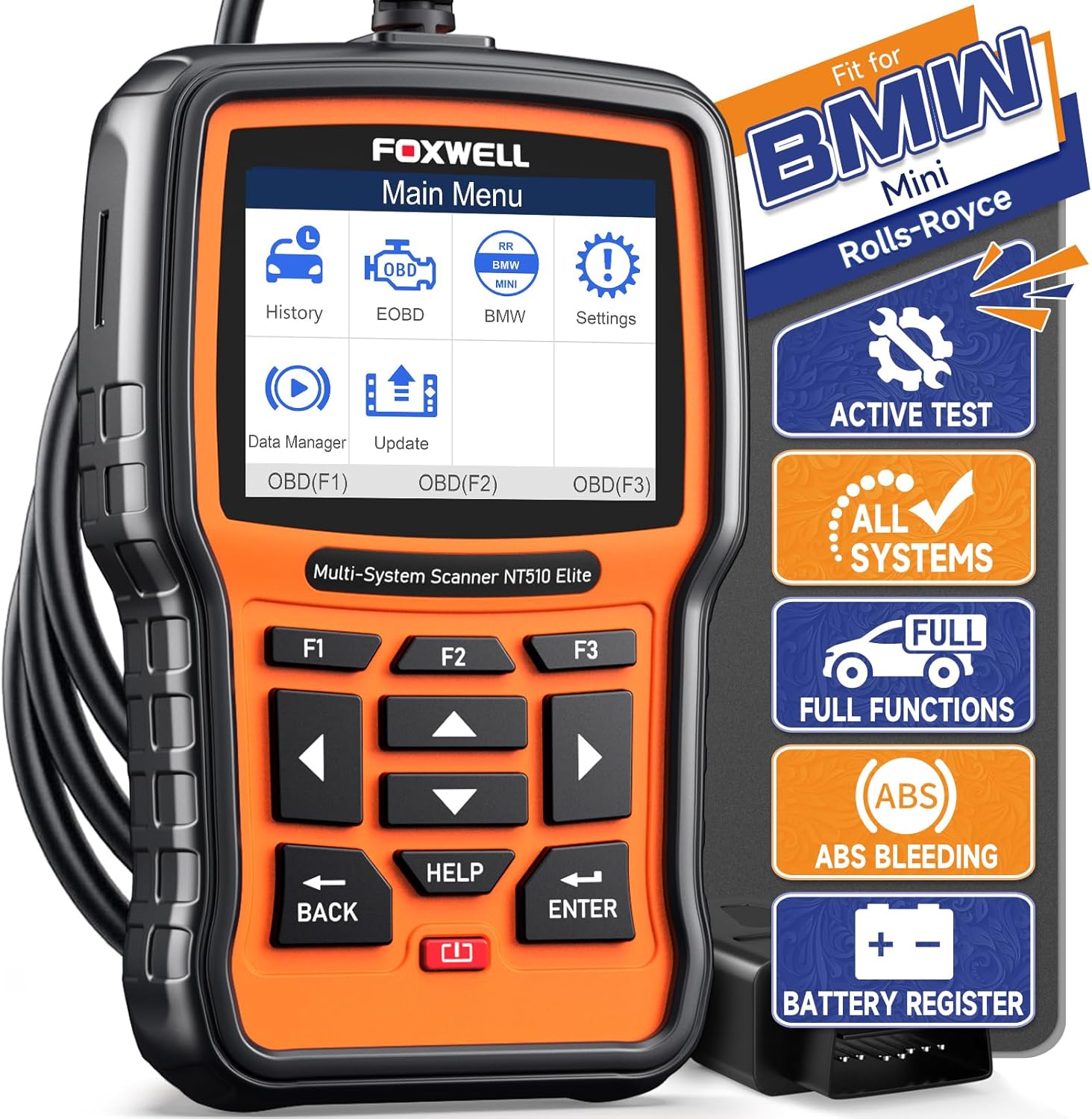
Full-system OBD2 scanner for BMW & Mini. Diagnose engine, ABS, SRS, transmission, and body modules with bi-directional control and service resets.
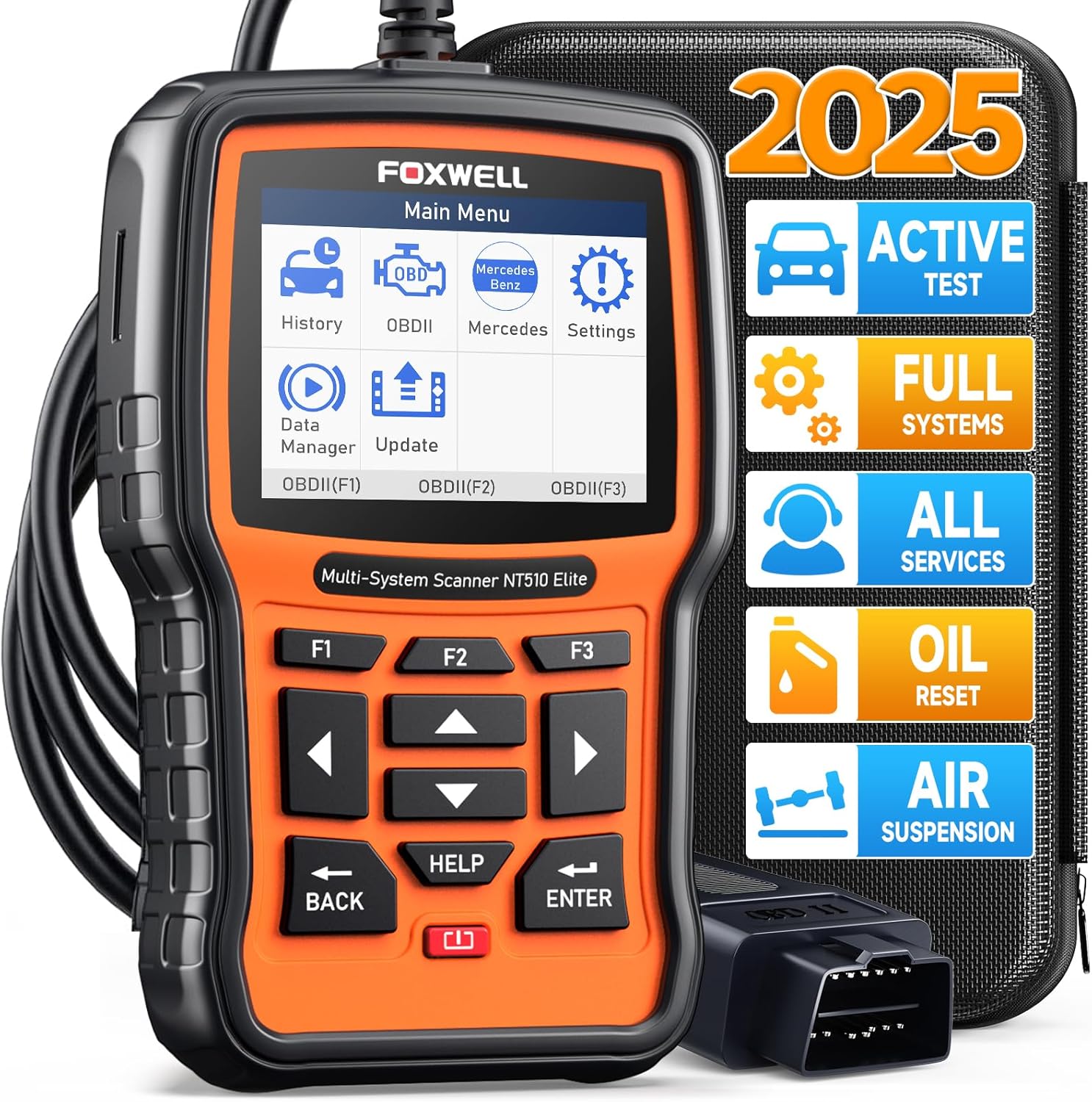
Full-system OBD2 scanner for Mercedes-Benz. Diagnose engine, ABS, SRS, transmission, and body modules with bi-directional control and service resets.
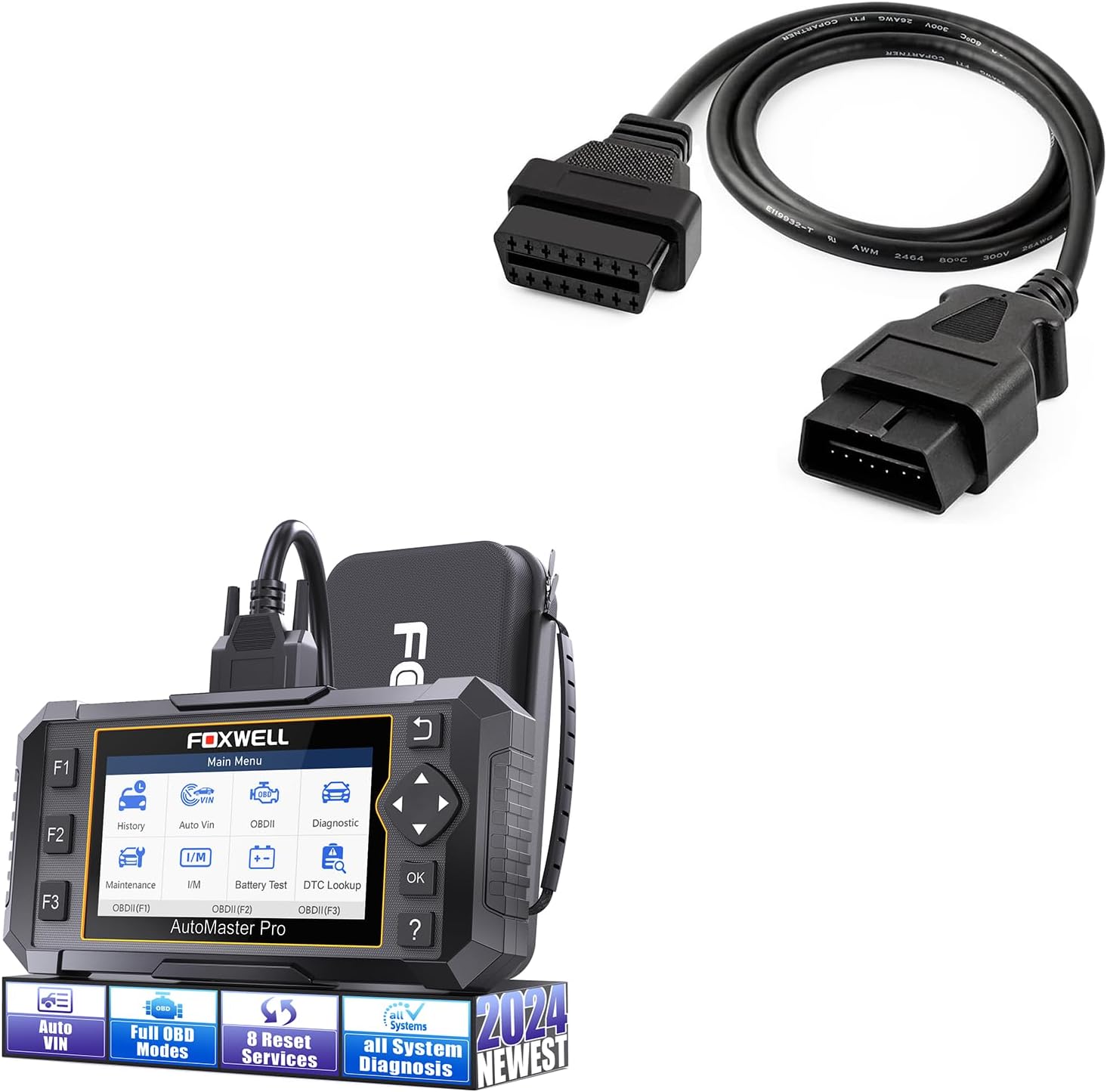
8-reset full-system OBD2 scanner with lifetime free updates. ABS bleeding, oil reset, EPB, SAS, TPS, and more — no dealer fees.